
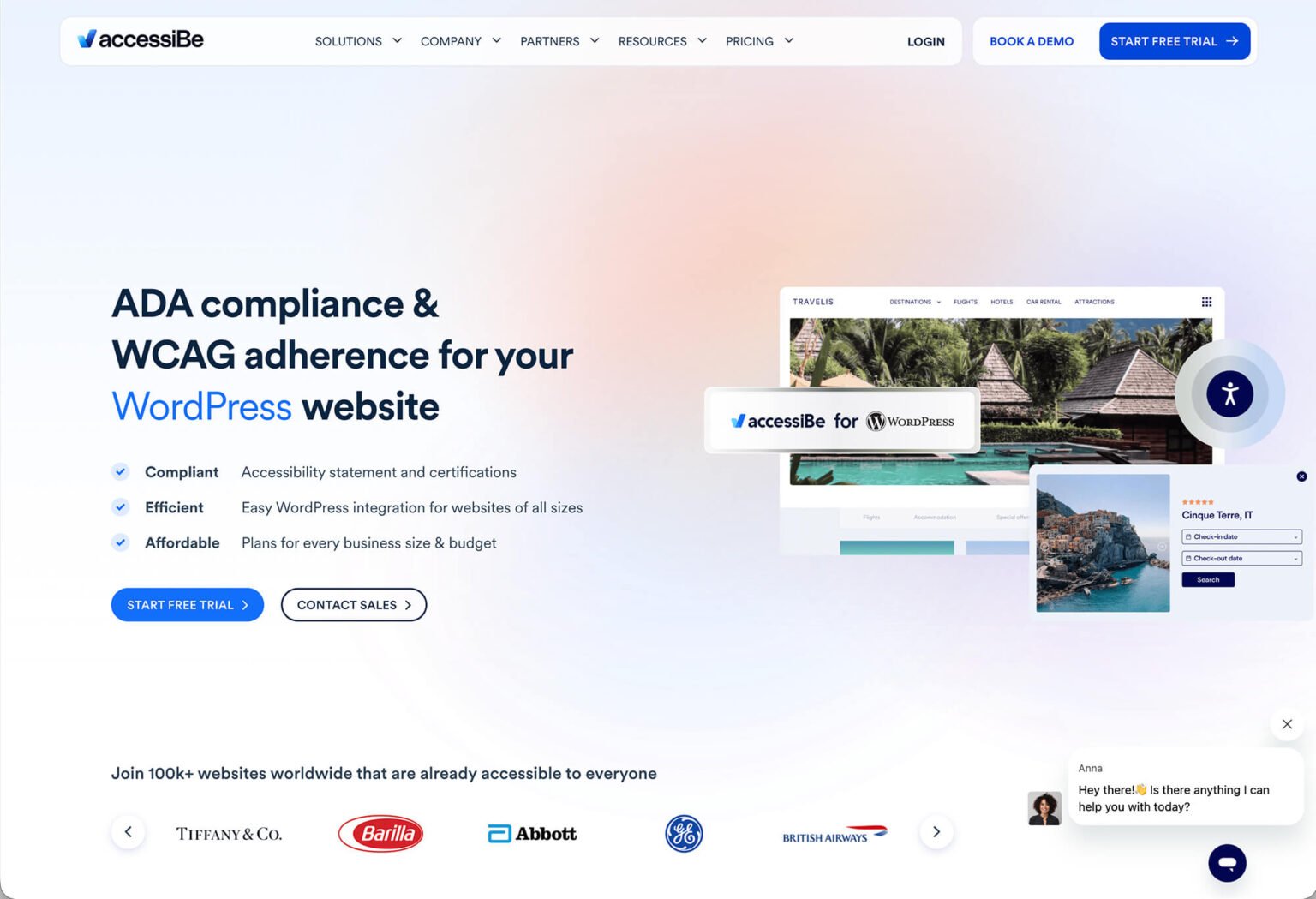
Website accessibility has become a common topic for business owners, especially as more ADA-related lawsuits and demand letters appear each year. A question I hear often is whether accessibility overlay tools—such as accessiBe—are worth using, or if they actually solve accessibility problems.
The short answer: accessibility overlays can help in certain situations, but they are not a complete solution. In this post, I’ll explain how tools like accessiBe fit into a practical accessibility strategy and when they make sense to use.
What Are Accessibility Overlay Tools?
Accessibility overlay tools are add-ons—usually installed with a JavaScript snippet—that place an accessibility interface on top of an existing website. These interfaces allow users to adjust visual settings, enable keyboard navigation helpers, and modify contrast, text size, and other display options.
accessiBe is one of the most well-known tools in this category. Its goal is to improve usability for visitors with disabilities while helping site owners demonstrate effort toward accessibility standards.
Where Overlays Can Be Helpful
- They are quick to install and easy to maintain.
- They give users immediate control over accessibility-related settings.
- They can improve keyboard navigation on many sites.
- They show a visible commitment to accessibility.
For small businesses or organizations without the budget for a full accessibility remediation project, an overlay may serve as a short-term or supplemental option.
Where Accessibility Overlays Fall Short
It’s important to understand that accessibility overlays do not modify your website’s underlying code. This means they cannot fully address issues like missing semantic structure, improperly labeled forms, or logical heading hierarchy problems.
- They do not guarantee ADA or WCAG compliance.
- They do not replace manual accessibility audits.
- They cannot fix all screen reader issues.
- They do not eliminate legal risk.
Because of this, most accessibility professionals view overlays as a supplement—not a substitute—for proper accessibility-focused development.
A More Practical Accessibility Approach
The most effective accessibility strategies usually combine multiple efforts:
- Building clean, semantic HTML
- Using proper headings, labels, and alt text
- Ensuring all functionality works via keyboard
- Testing with screen readers and real users
- Using accessibility tools only as supplemental support
Accessibility is not a one-time checkbox. Content changes, plugin updates, and evolving standards all mean accessibility requires ongoing attention.
Learn More About accessiBe and ADA Compliance
If you’d like a deeper breakdown of accessiBe—including what it does well, its limitations, and when it makes sense to use—I recommend reading the full review published on Austin Web & Design:
accessiBe Review: What It Does, What It Doesn’t, and When to Use It
You can also explore a broader overview of ADA requirements and best practices in their guide to ADA compliance for websites.
If you’re working on a website update or redesign and want to approach accessibility thoughtfully, feel free to reach out. I’m always happy to help point you in the right direction.